Sinking funds, made simple
Stop getting blindsided by bills you knew were coming.
Car repairs, Christmas, the vet, the yearly insurance bill. Little Sums works out the one amount to set aside each payday, so when they land, the money's already there. A $1,000 Christmas is $83 a month if you start in January.
- One payment, yours forever
- No account, no bank login
- Works on your phone
Why little sums
Little sums, faced in the morning light.
Most money advice assumes you have the time, the calm, and the spreadsheet skills to follow it. This doesn't. Each tool does one thing, clearly, and shows you the single number that matters — so you can check in for two minutes and get on with your day.
The tools
One clear tracker for each money worry.
Saving for something little money wins
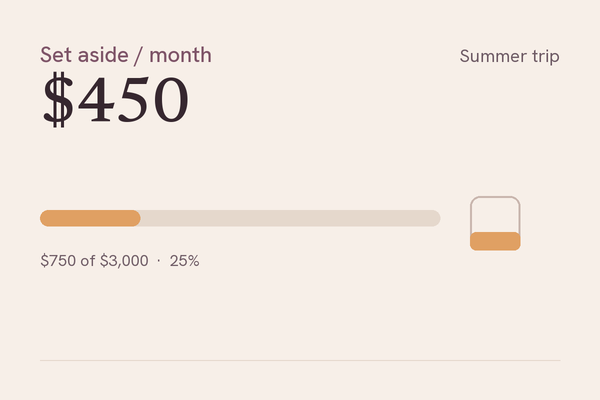
Sinking Funds Tracker
Add what you're saving for — a trip, a car, the holidays — and a target date. It tells you the one number to set aside each time, and recalculates the moment life happens. Private to your device, no account.
$12 · one payment, yours forever · instant download
Savings Challenge Tracker
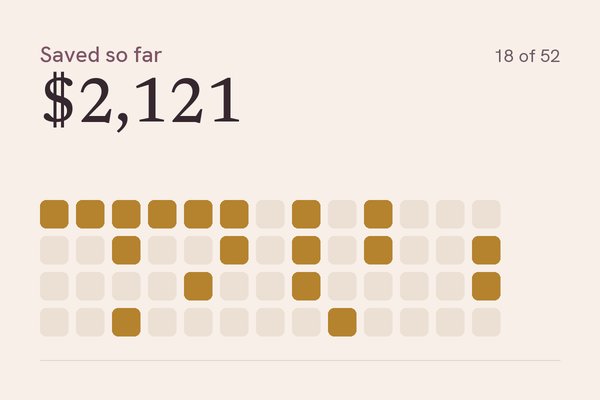
The 52-week, the reverse, the 100-envelope, or your own — saved in any order, with no streak to break. Check off the small ones on tight weeks and the big ones when you're flush; the jar fills the same either way.
$9 · one payment, yours forever · instant download
Wedding Budget Tracker
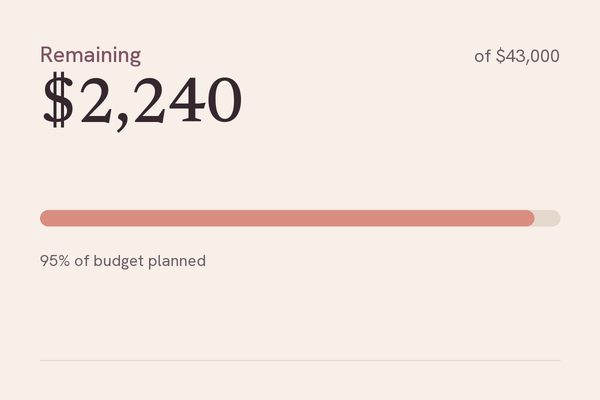
Every wedding number in one calm place — estimated vs. spent vs. paid, by category, with a countdown to the day. Watch a category quietly complete as it's paid off. Private to your device, no account.
$19 · one payment, yours forever · instant download
Budgeting budgeting that sticks
Budget Tracker
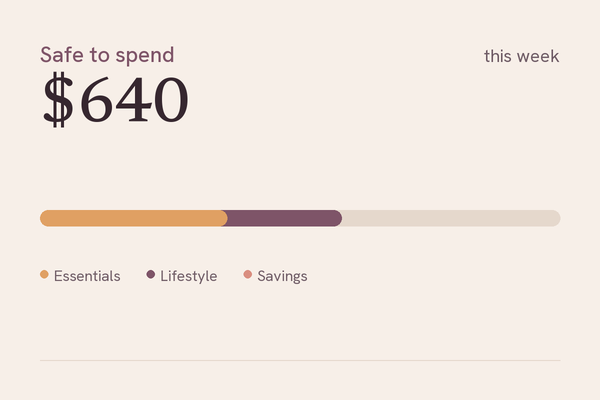
Money in, money out — and the one number that matters: what's safe to spend. Track by pay cycle, give every dollar a job or just set simple limits, and see where it actually goes. No spreadsheet, no sign-in.
$15 · one payment, yours forever · instant download
Paycheck Budget Tracker
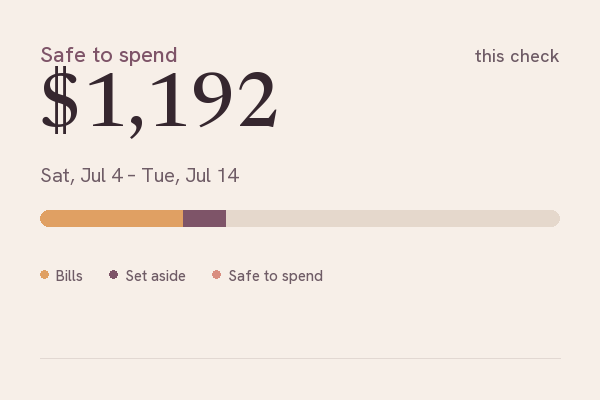
Your real month starts on payday, so your budget should too. See each paycheck as its own little plan — the bills it covers, what to set aside, and the one honest number that's safe to spend before the next check lands. Private to your device, no account.
$12 · one payment, yours forever · instant download
Money OS
You already track your money in a spreadsheet — this turns it into a command center. Enter income and expenses in a clean workbook, drop the file on the dashboard, and see everything the spreadsheet won't tell you: spending charts, your savings rate, a financial health score, budget variance, a three-month forecast, and what-if levers. Adjust budgets right in the dashboard, then download the workbook back with your edits written in. A financial planner that works with Excel, Numbers, and Google Sheets — no subscription, no account, your numbers never leave your device.
$39 · one payment, yours forever · instant download

Semester Budget
One deposit has to last sixteen weeks. Enter your aid refund, savings, and semester dates — Semester Budget turns the lump sum into one clear weekly number that adjusts as you spend, and shows whether the money lasts to finals. Still yours after graduation. No account, no bank linking.
$9 · one payment, yours forever

Working for yourself money without a paycheck
Finance HQ
Your whole freelance money picture. Type your numbers into a workbook that can't break — no formulas, nothing to mess up. Drop it on your dashboard and see everything that matters: what you've earned, what you've spent, who still owes you, and the exact amount to set aside for taxes, quarter by quarter. Works with Excel, Google Sheets, or Numbers. No subscription, no account, no bank connections — your numbers never leave your device.
$39 · one payment, yours forever · instant download

Irregular Income Planner
Freelance and gig income swings — $6,000 one month, $1,800 the next. This planner turns it into one steady paycheck. Log each deposit as it lands: taxes come off the top, the rest builds your pool, and once a month you pay yourself the same salary. The runway meter always shows how many months your buffer covers, even if nothing new lands. Got a job offer? Quote Check shows what it pays you per hour after tax, before you say yes. One file, works offline, saves on your device — no account, no bank connection, no subscription.
$15 · one payment, yours forever · instant download

Family chores, allowance, and little savers
Family HQ
The chore chart on the fridge stopped working the second week — this one does the math. Set up chores and what they pay, kids check them off in Kid mode, and you approve with one tap: allowance calculated instantly, savings goals filling as the money lands. Parent and Kid modes with an optional PIN, so little hands see only their side — and Penny the bee keeps them company along the way. 🐝 One file, works offline, saves on your device — no account, no subscription.
$12 · one payment, yours forever · instant download

Debt payoff debt, gently
Debt Payoff Tracker
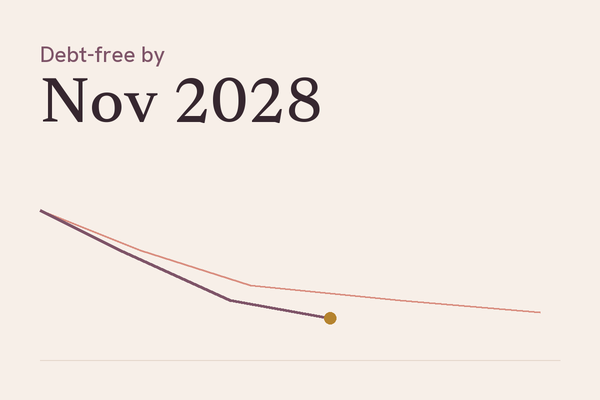
Type in your debts once and see the exact month you'll be free. Drag one slider to watch extra payments pull your finish line closer — and the dawn rises as you clear it. Avalanche or snowball, the math is done for you.
$12 · one payment, yours forever · instant download
Free tools no email, no sign-up, nothing to buy
Where You Stand
A five-minute snapshot of your income, debts and savings on one page — so you can see which number needs attention first.
Get your snapshot FreeSinking Fund Calculator
Enter a goal and the date you need it — get the exact amount to set aside each week, each paycheck, or each month.
Open the calculatorThe Little Sums promise
Made to be kind to you, and to your money.
Try before you buy
Play with the real, full tool first. No screenshots, no demos that hide the good part. If it doesn't help, don't buy it.
Yours forever
One payment. No subscription, no renewals, no upsells. Buy it once and keep it for as long as you like.
Your numbers stay yours
Everything lives in your own browser, on your device. No account, no sign-up, nothing sent anywhere. It even works offline.
Calm by design
No streaks, no badges, no nagging — a tool quiet and beautiful enough that you'll want to open it.
Two minutes, not an evening
Open it, see the one number that matters, close it. Built for little and often, not weekend-long money sessions.
Works on your phone
Designed for the device you actually check your money on. Same tool, full size, in your pocket.
Try before you buy
See the whole tool, free.
Every Little Sums tracker comes with a full live demo — not a screenshot, the real thing, working, with example numbers already filled in. Open one, click around, and only buy if it earns its place. No account, no sign-up to try.
Good to know
Questions people ask before they buy.
How do I track paying off debt?
The Debt Payoff Tracker ($12) is built for this: enter your debts once and see the exact month you'll be debt-free. Choose the avalanche or snowball method, then drag one slider to watch extra payments pull that date closer. It's a one-time payment and yours to keep.
What's the simplest budget tracker for beginners in 2026?
The Budget Tracker ($15) keeps everything to one screen: money in, money out, and the single number that matters — what's safe to spend. There's no spreadsheet and no sign-in, so you can start in a couple of minutes and check in whenever you like.
How do I keep a wedding on budget?
The Wedding Budget Tracker ($19) puts every wedding number in one calm place: estimated versus spent versus paid, by category, with a countdown to the day. You can see a category go over early and move money before it becomes a problem.
What is a sinking funds tracker?
A sinking fund is money you set aside a little at a time for an expense you know is coming, like a car, the holidays, or insurance. The Sinking Funds Tracker ($12) tells you the one number to save each time and recalculates when your date or total changes.
How does a savings challenge work?
A savings challenge gives you a set of small amounts to put away over time, like the 52-week or the 100-envelope plan. The Savings Challenge Tracker ($9) lets you check them off in any order — the big amounts on easier weeks, the small ones when money is tight — and the total fills the same either way.
How do I budget by pay cycle instead of by the calendar month?
The Paycheck Budget Tracker ($12) builds your budget around payday instead of the 1st of the month. Each paycheck becomes its own little plan — the bills it has to cover, what to set aside, and the one honest number that's safe to spend before the next check lands. It handles weekly, biweekly, and semimonthly pay, including the odd three-paycheck month.
How do I budget on an irregular or freelance income?
The Irregular Income Planner ($15) turns uneven freelance and gig income — $6,000 one month, $1,800 the next — into one steady monthly paycheck. Log each deposit as it lands: taxes come off the top, the rest builds a buffer pool, and once a month you pay yourself the same salary. A runway meter always shows how many months your buffer covers, even if nothing new lands. It works offline and saves on your device, with no account or bank connection.
How do I set money aside for taxes when I'm self-employed?
Finance HQ ($39) keeps your whole freelance money picture in one place: income, spending, who still owes you, and the exact amount to set aside for taxes. It's two simple files, with no subscription and no account, and nothing leaves your device.
What's a good financial planner if I already budget in a spreadsheet?
Money OS ($39) turns the spreadsheet you already keep into a financial command center. Enter income and expenses in a clean workbook, drop the file on the dashboard, and see spending charts, your savings rate, a financial health score, budget variance, a three-month forecast, and what-if levers — then download the workbook back with your edits written in. It works with Excel, Numbers, and Google Sheets, and nothing leaves your device.
How do I track my kids' chores and allowance?
Family HQ ($12) puts chores, allowance, and your kids' savings goals in one calm place. Set up chores and what they pay, kids check them off in Kid mode, and you approve with one tap — allowance is calculated instantly and their savings goals fill as the money lands. Parent and Kid modes with an optional PIN keep little hands on their side, with Penny the bee along the way.
Free printable
The Sinking Funds Starter List
40 expenses that show up every year, each with a monthly and per-paycheck amount. Five printable pages, free.
Get the free list